Merchant authentification
Means of authentication
The system uses Lightning Network authentification via QR codes. It implies physical authentication device with special application (a phone with a wallet) as opposed usual to email account with secure password.
The merchant should install any Bitcoin wallet that supports the LN Auth thechnology. Here are recommended wallets:
- Valet - open source LN wallet for Android with feature of opening non-custodial channels and volatility hedging service built in.
- Wallet of Satoshi - open source LN wallet for iOS and Android that is very simple, but custodial (as of 2nd February 2023 authentication is unacessible in Wallet of Satoshis, however it is planned and being tested).
- Blixt Wallet - non-custodial open-source LN wallet available on both platforms.
- Phoenix - open source non-custodial LN wallet for Android and iOS
Sign up
After setting an authenticating device the user is able to create a merchant account in the system with three steps. A further example is shown on Valet and Blixt Wallet:
-
Visit https://gateway.thaidigitalwallet.network/merchant/signin. There will be shown a QR code for authorization of the merchant on the service.
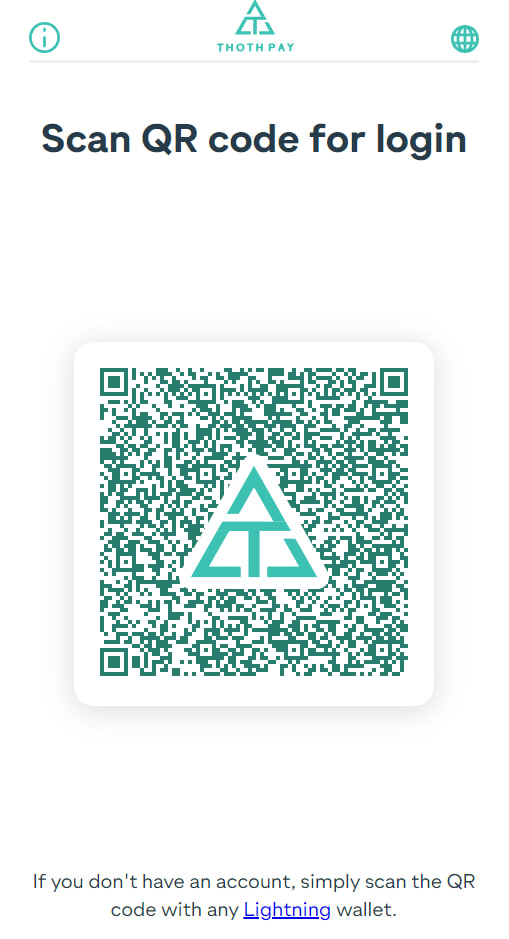
Authetication QR-code on Thai Digital Wallet login page -
Tap center button "Scan QR" in the Valet app or use right "Send" button with square icon in the Blixt wallet
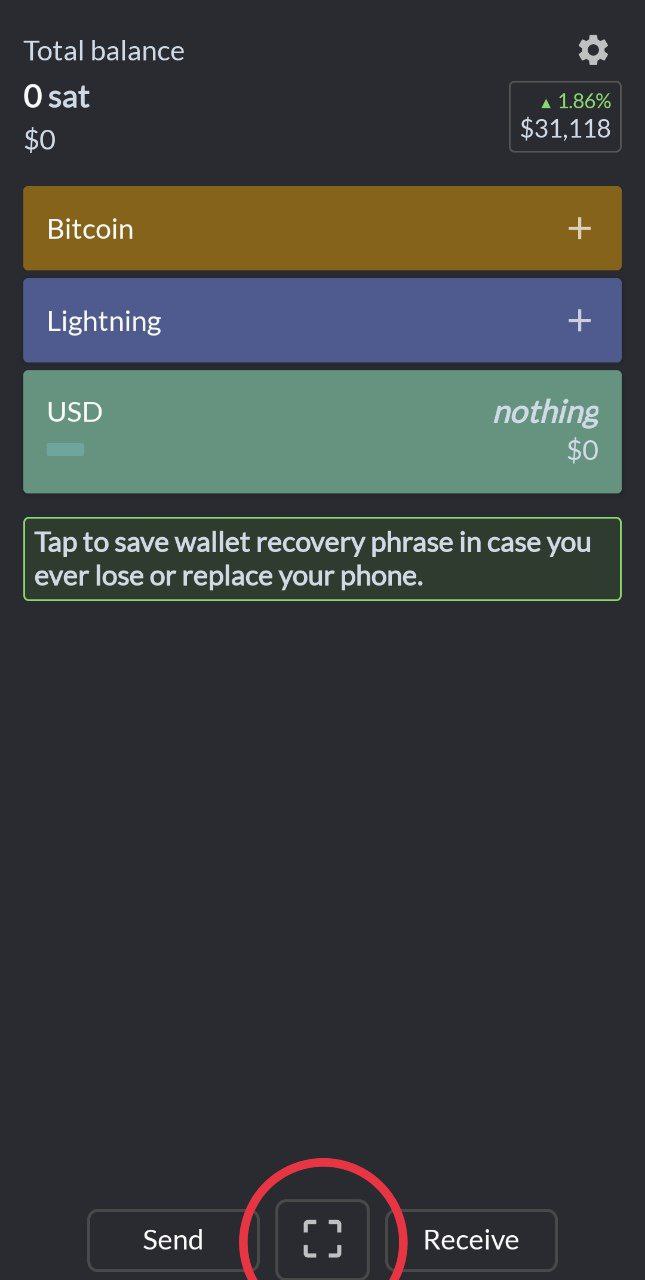
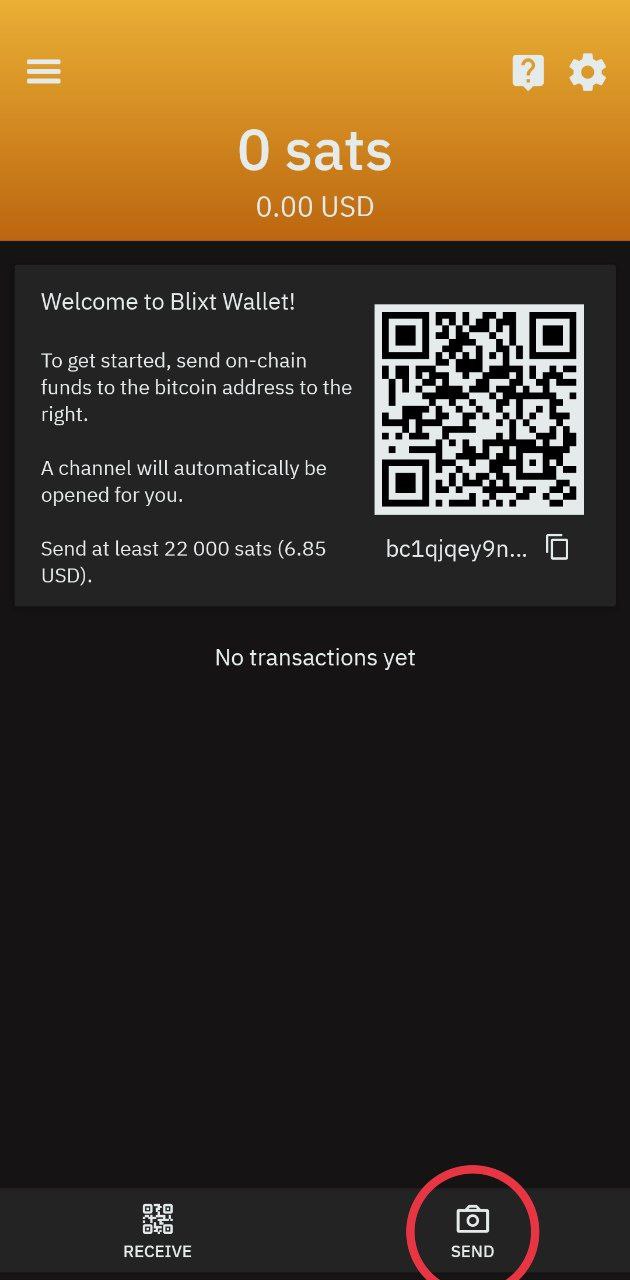
"Send" button in Blixt and "Scan QR" button in Valet -
Tap login on the screen
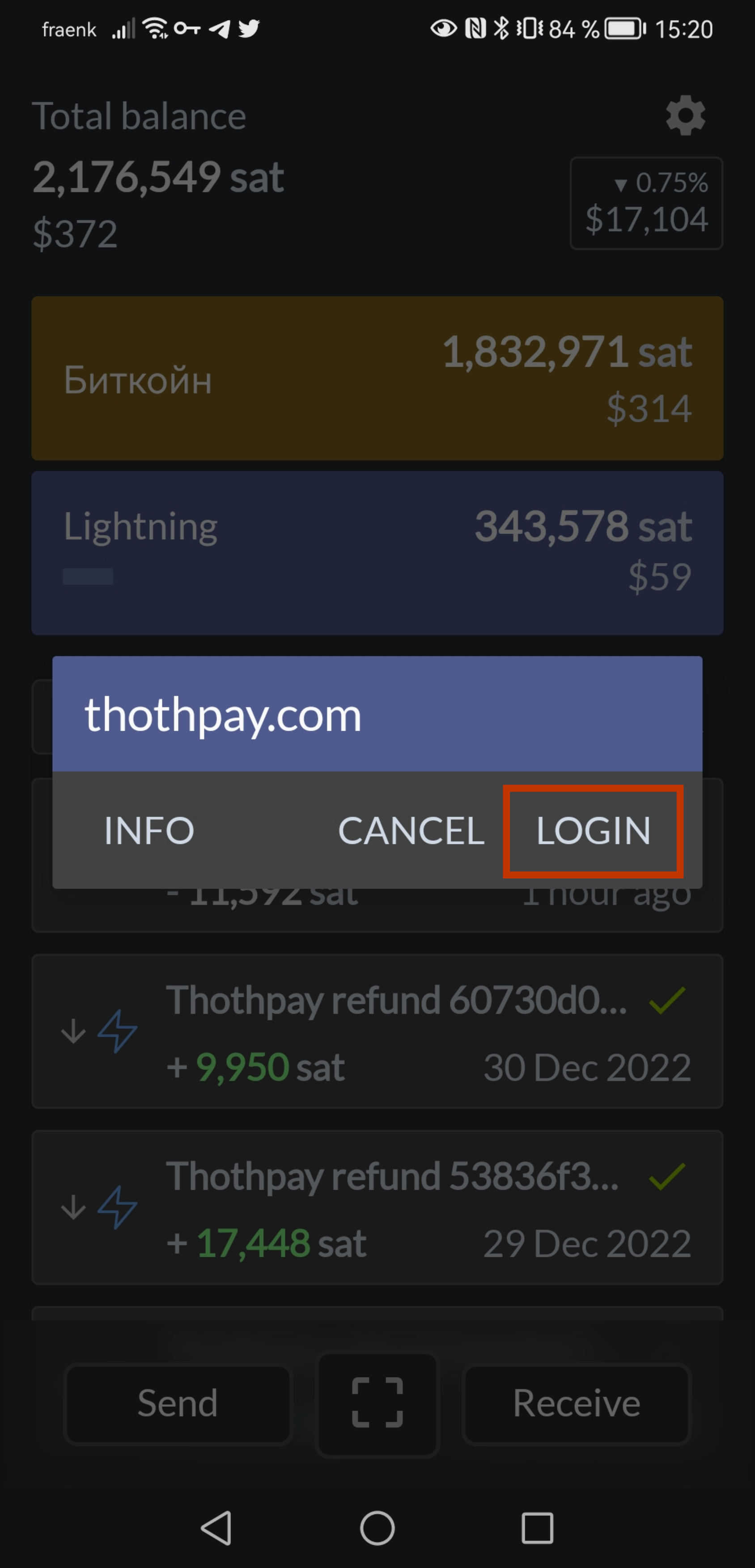
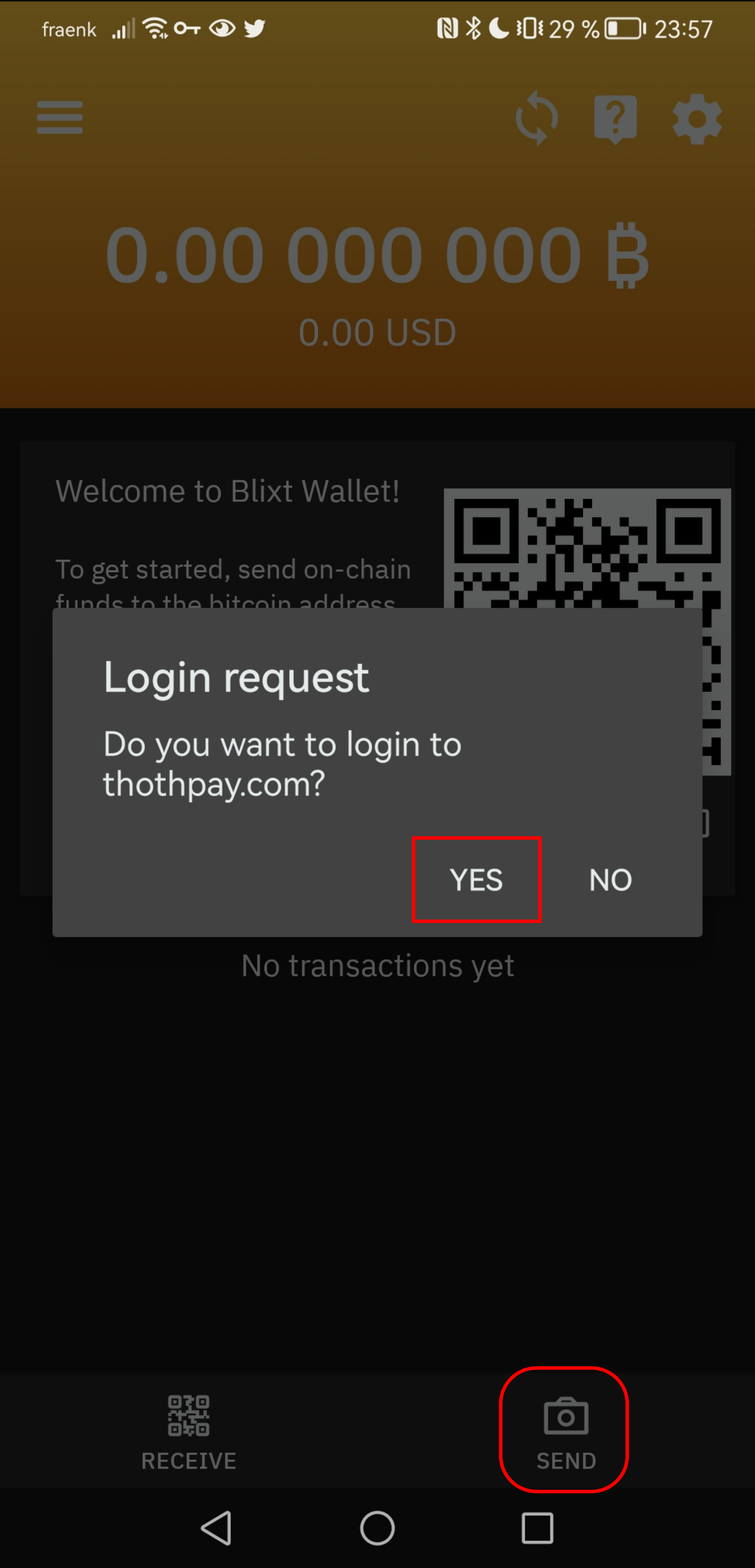
Thai Digital Wallet login screen in Blixt and Valet
Done! After successful authentication Thai Digital Wallet web-page updates automatically to https://gateway.thaidigitalwallet.network/merchant and displays merchant balances. The balances is described more detailed in the next section of the documentation.
Sign in
To sign in go through the same process as for sign up. Use the wallet with the same seed phrase!