Merchant panel
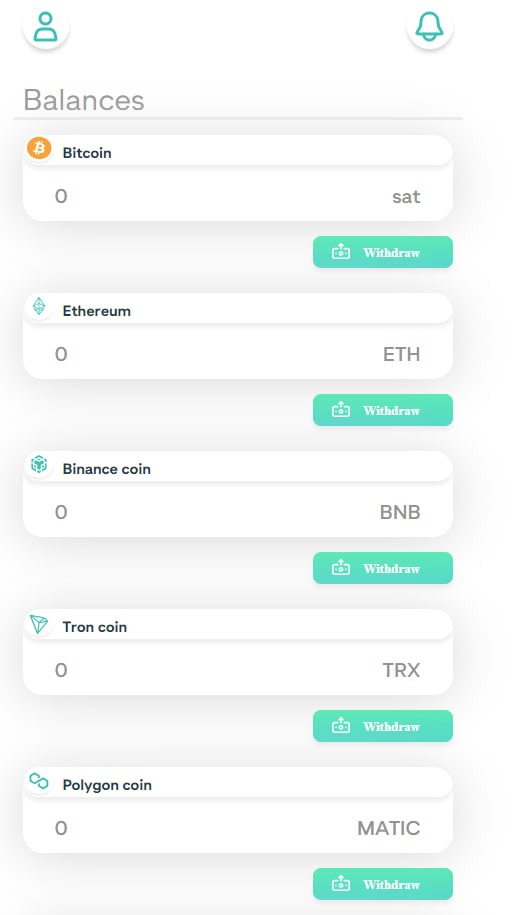
After login merchant panel is on balances page. Merchant can can go to merchant profile by upper buttons on page or scroll down and switch to other pages by bottom menu.
Balances
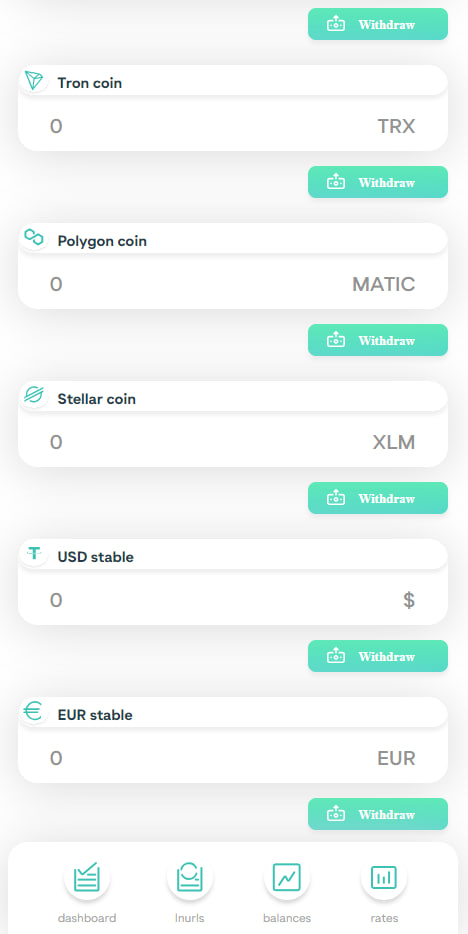
Balances displays balances in currency groups. I.e. all different USDT variants are grouped and the total balance is shown.
Scroll down to see all balances and the bottom menu
Dashboard
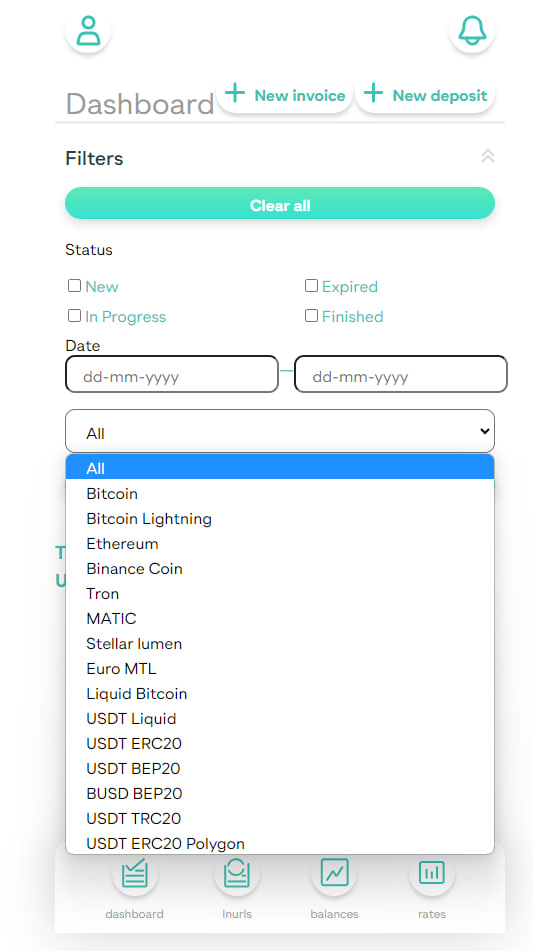
This is a page where a merchant can create invoices and deposits. Also merchant can check status of created invoices,deposits and withdrawals.
Merchant can use filter by clicking on their button to view events with specific status, date and choose specific currency:
Lnurls
Reusable payment codes - Lightning Network invoices, wich can be used many times in certain time period. For exampe, you can use it for tips.
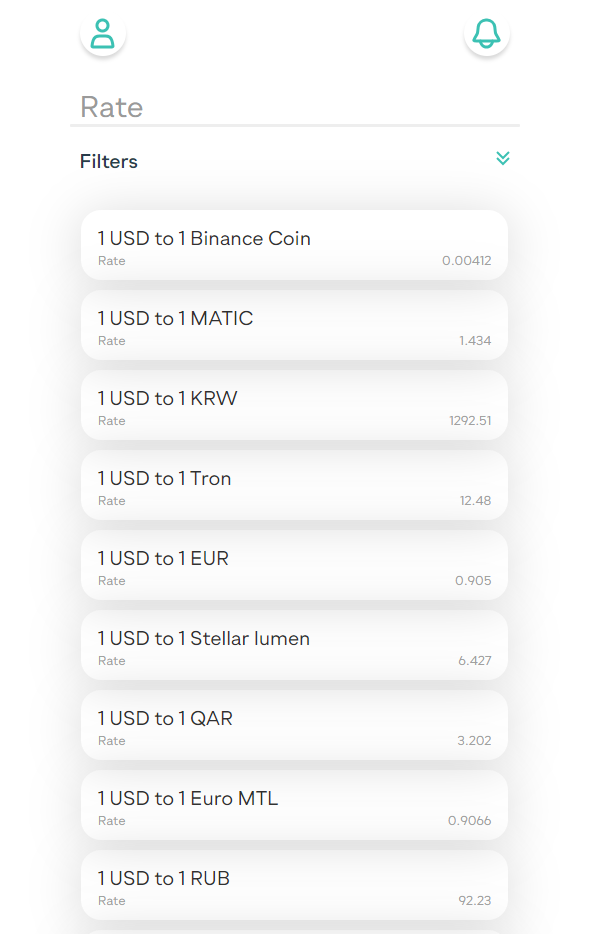
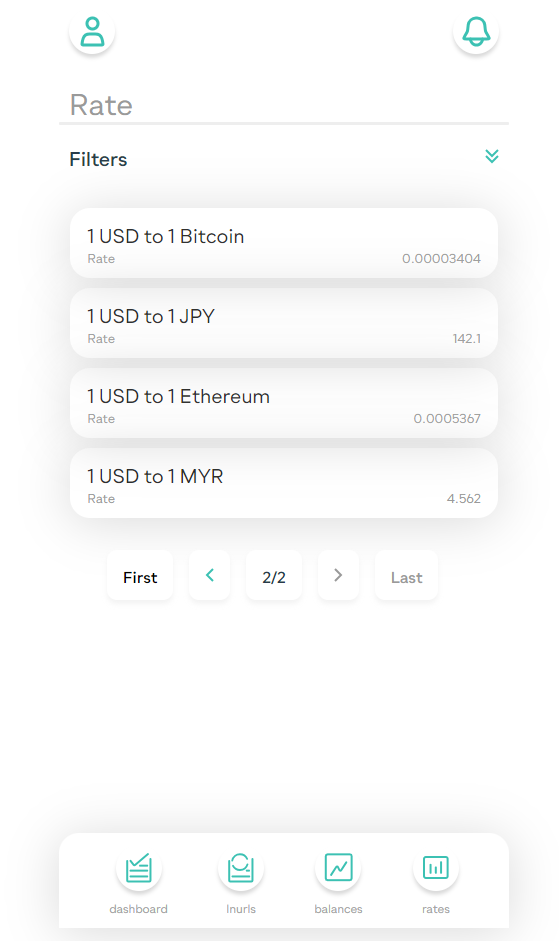
Rates
Currency exchange rate page on thothpay itself.