Create invoice
To create an invoice, go to invoices page via the Invoices button in the bottom menu or via link https://gateway.thaidigitalwallet.network/merchant/invoices
Invoices page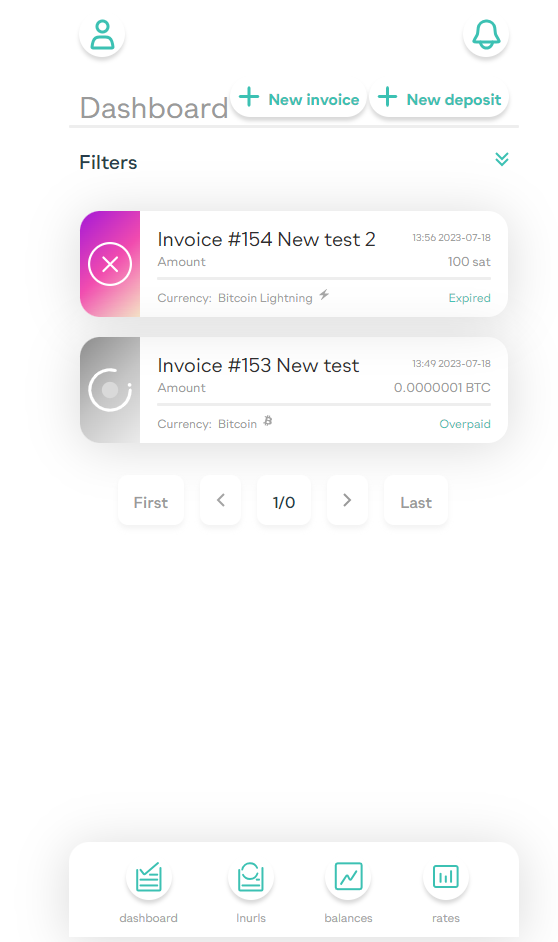
To create an invoice click "New invoice" button and fill the invoice form
Invoice form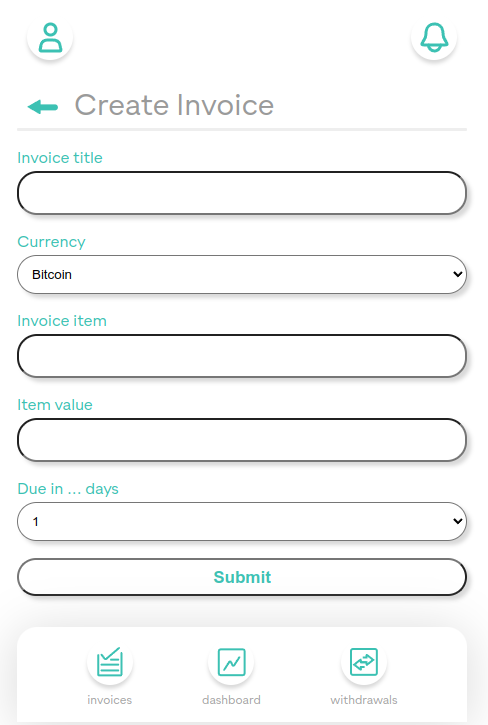
The last field Due in ... days is deprecated. By default all invoices are due in 3 days, otherwise they expire.
After succesfull creation of the invoice, you will be redirected to invoices page.
Invoices page with the new invoice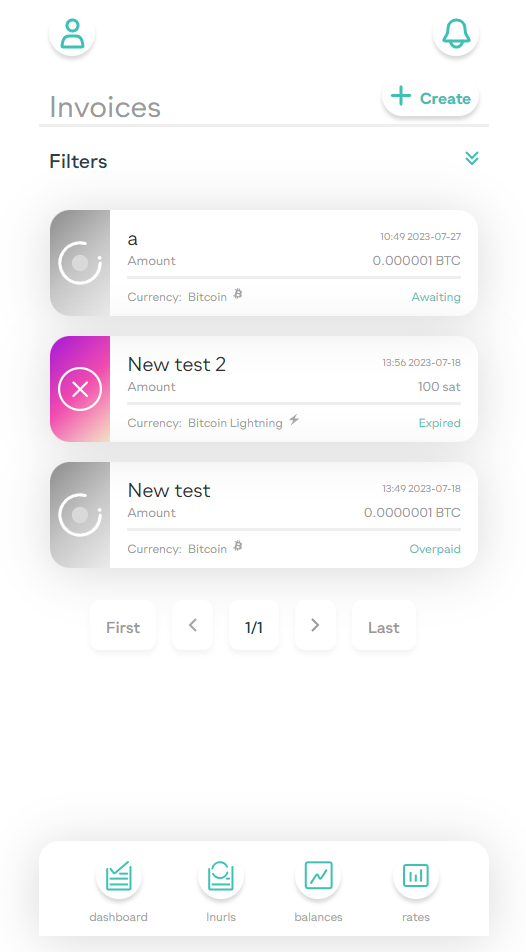
To send the client the invoice, click on the invoice and copy the url
Every invoice in the list is clickable. It will display another page with invoice status and additional information which will depend on the payment process stage.