Pay invoice
To pay the invoice, you need to click on the "pay" button on its page and select the currency in which you want to pay the invoice.
Important: You can choose only one currency for payment. To change the currency, you need to create a new invoice and select the desired option for payment in it's page.
Invoice page and options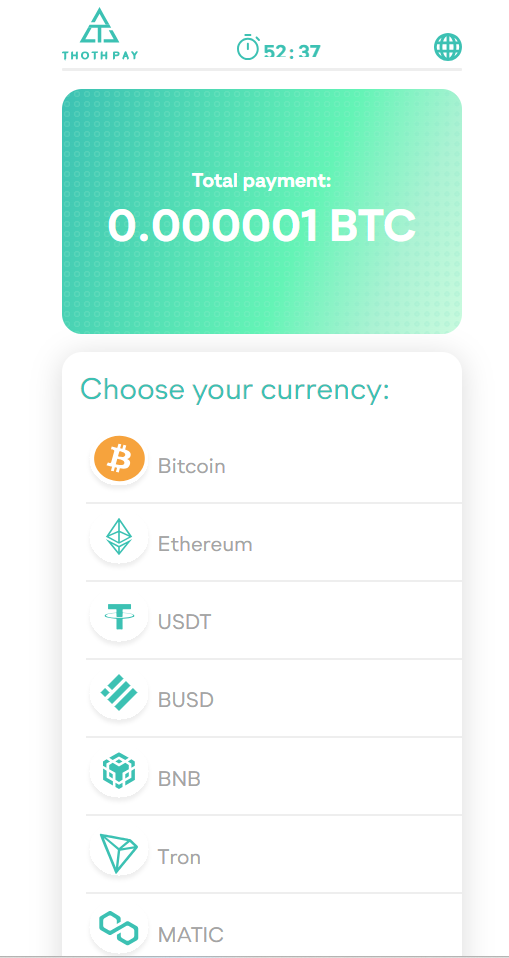
After choosing a currency, a payment page with a ready-made QR code will be shown.
Transaction page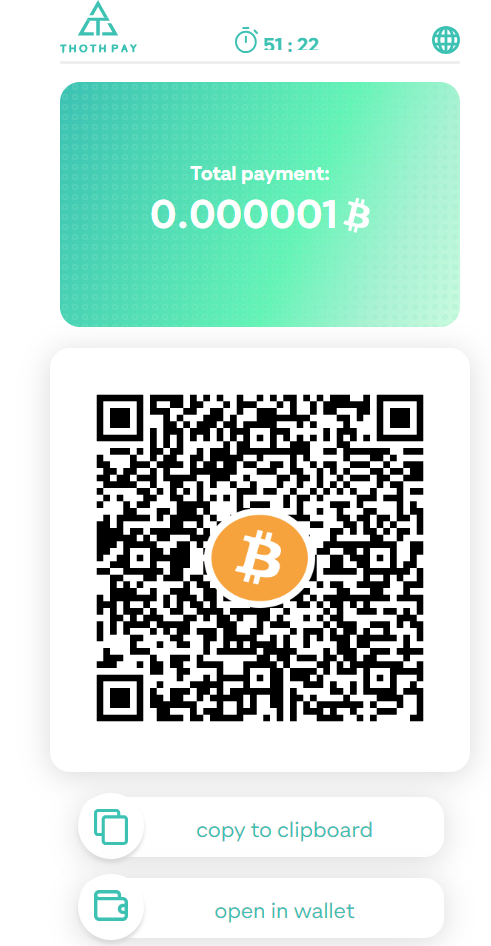
To make a payment, you just need to scan the QR code in a wallet that supports the selected currency. You can also copy the transaction or open it in the wallet using the buttons "copy to clipboard" and "open in wallet" on the transaction page.