Invite reseller
Invite reseller
To invite a reseller go to profile page
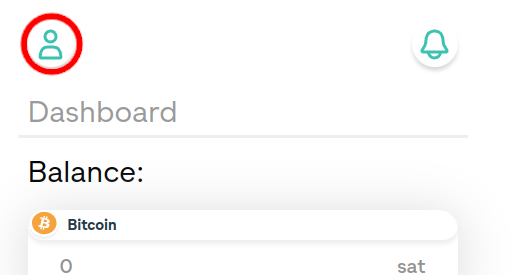
Click on "Resellers" menu button
Resellers menu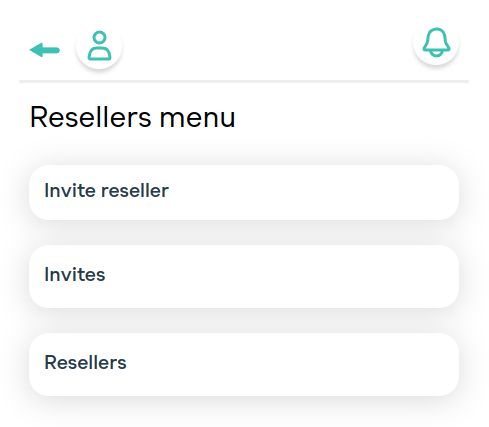
Click on "Invite reseller" button to display invite form
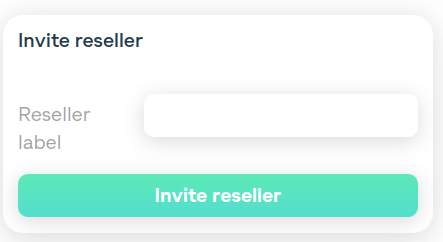
Fill the label (used to easily identify the reseller) and click "Invite reseller" button.
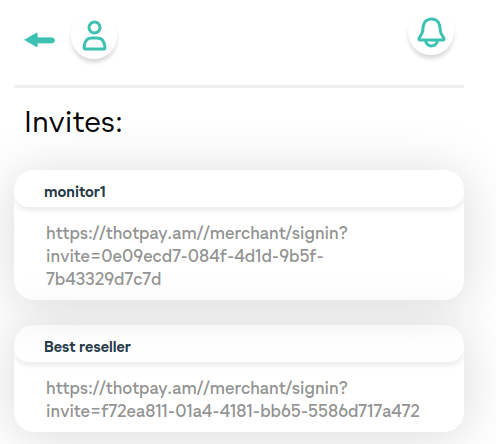
On successful creation of an invite you will see this page:
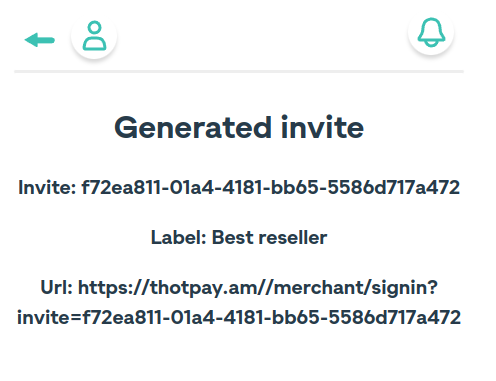
- Invite -- UUID used to tie reseller to the merchant
- Url -- copy the URL and send to reseller to register. Registration process is otherwise the same as for an independent merchant.
View invites
Go to resellers menu (see above). Click "Invites" button to view pending invites