Create withdrawal
Merchant can withdraw currencies by button "withdraw" at balances page. After that optionaly will be page for choosing currency (for Bitcoin and USDT) were also needed to choose subtype of currency to withdraw(relevant to BTC and USDT):
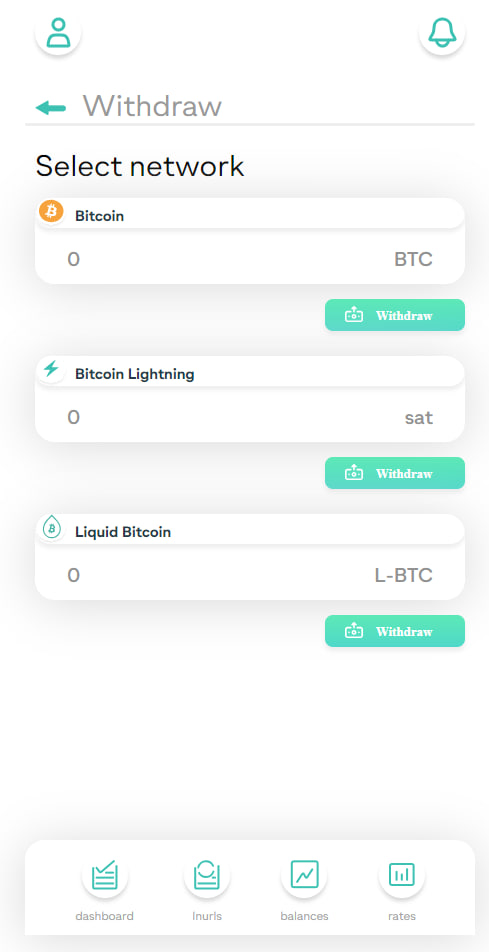
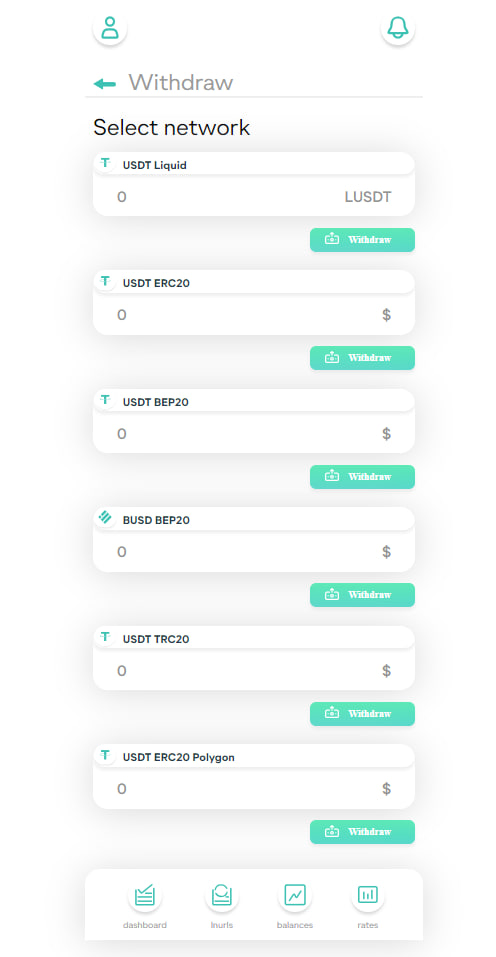
Each currency has minimal amount to withdraw wich is listed in table of cryptocurrencies at supported currencies
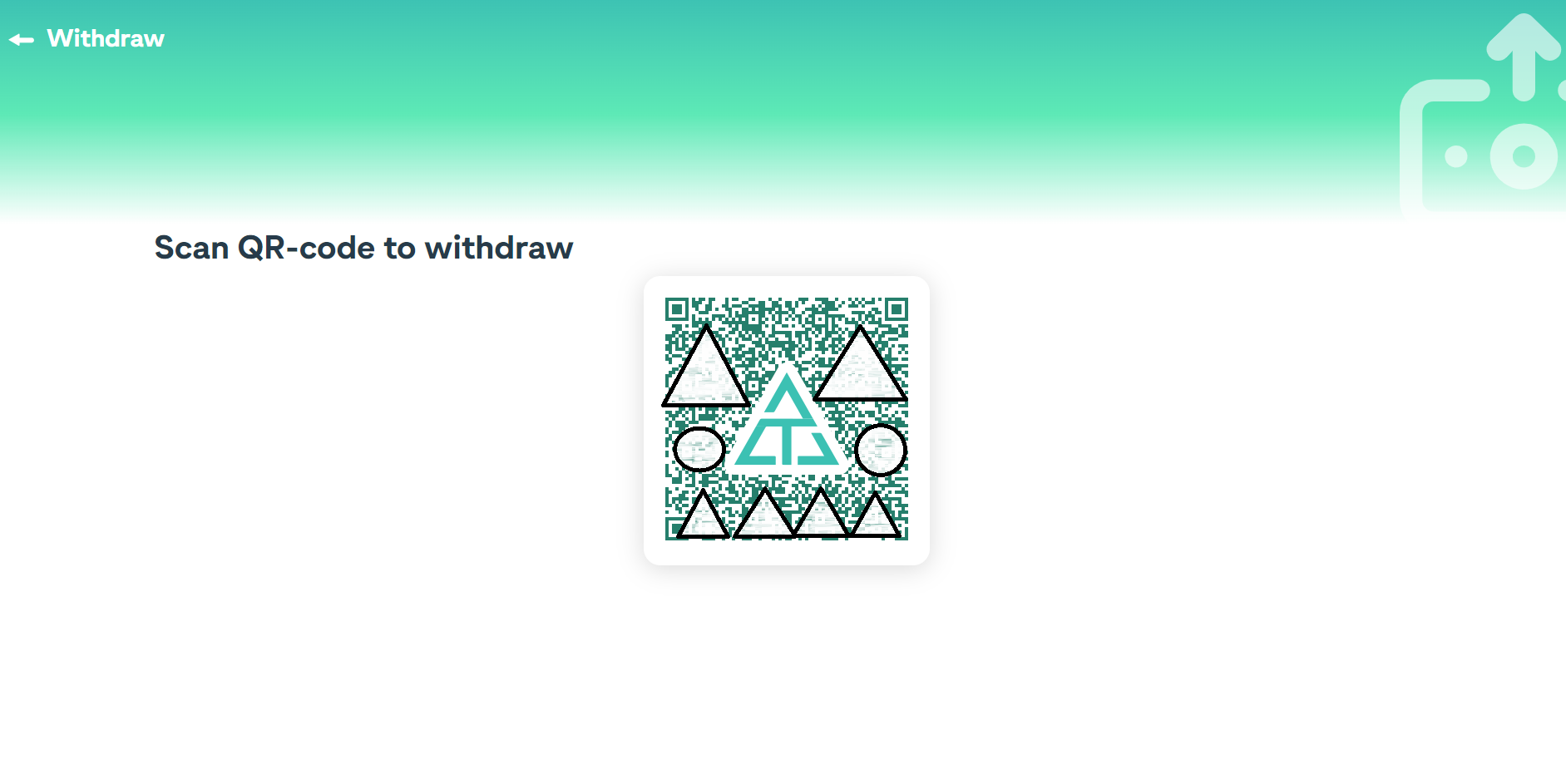
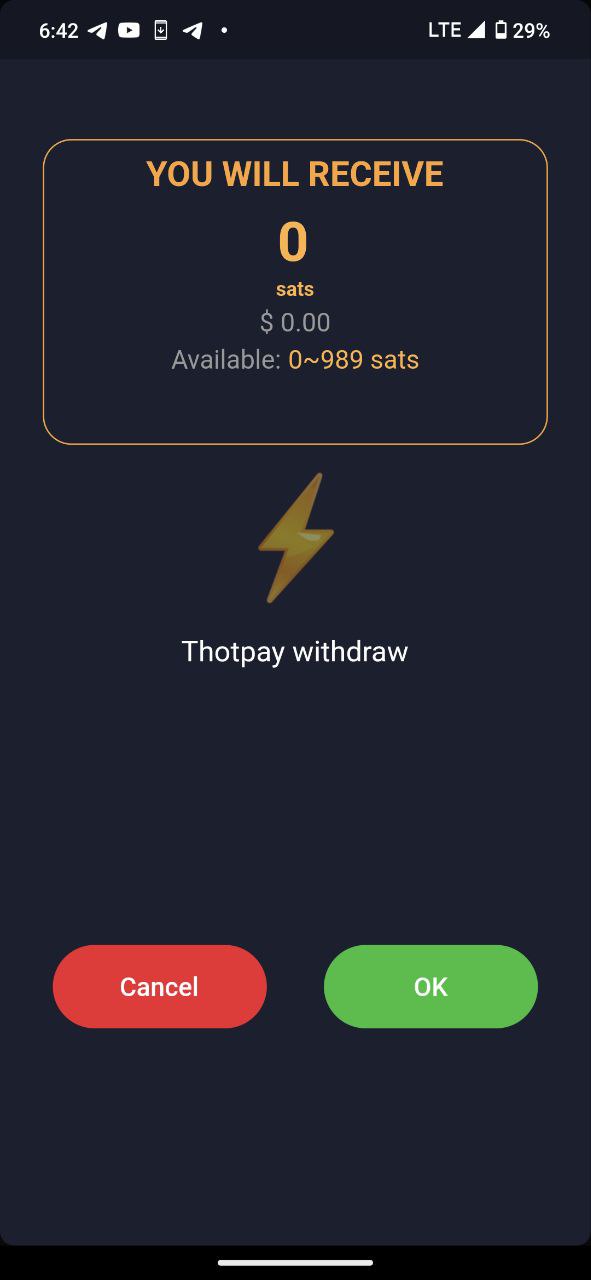
After that, merchant can scan the generated Thothpai QR code in the suitable wallet and select the amount needed to withdraw.
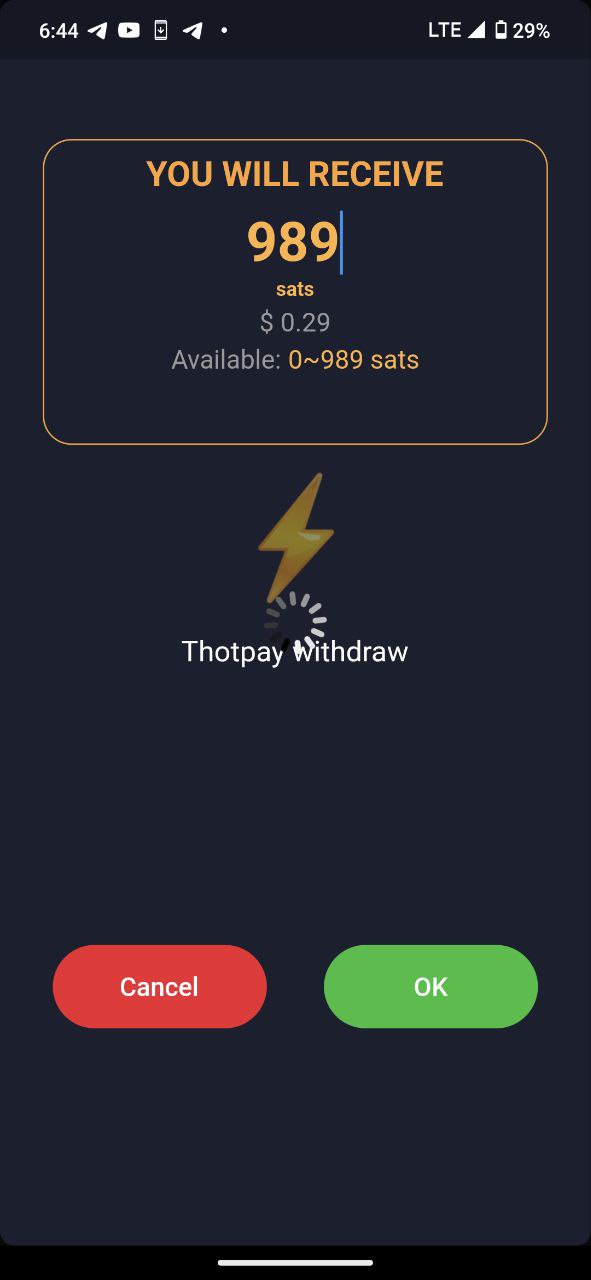
Next, merchant can monitor the transaction statuses in the dashboard.